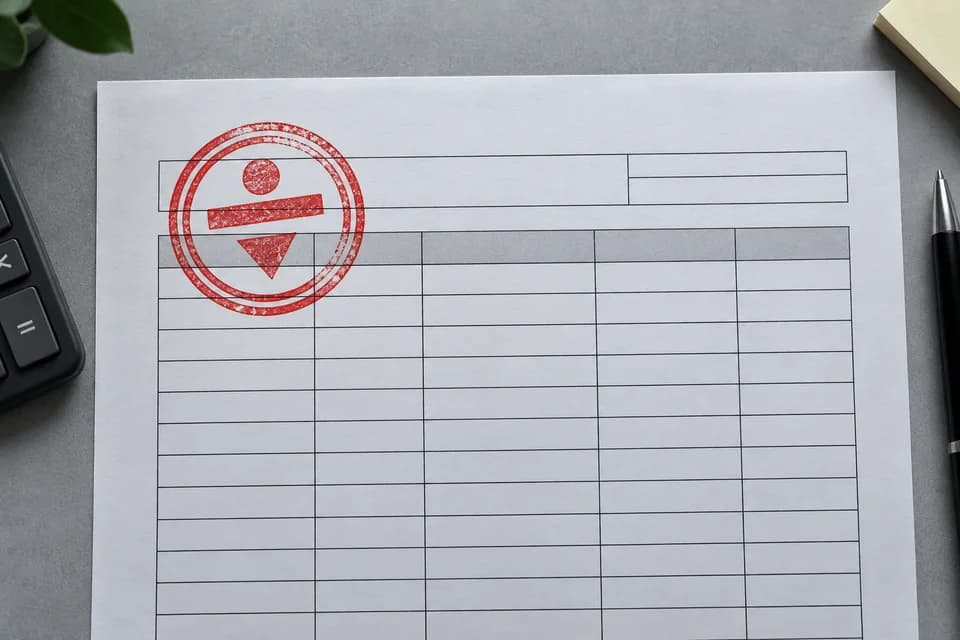
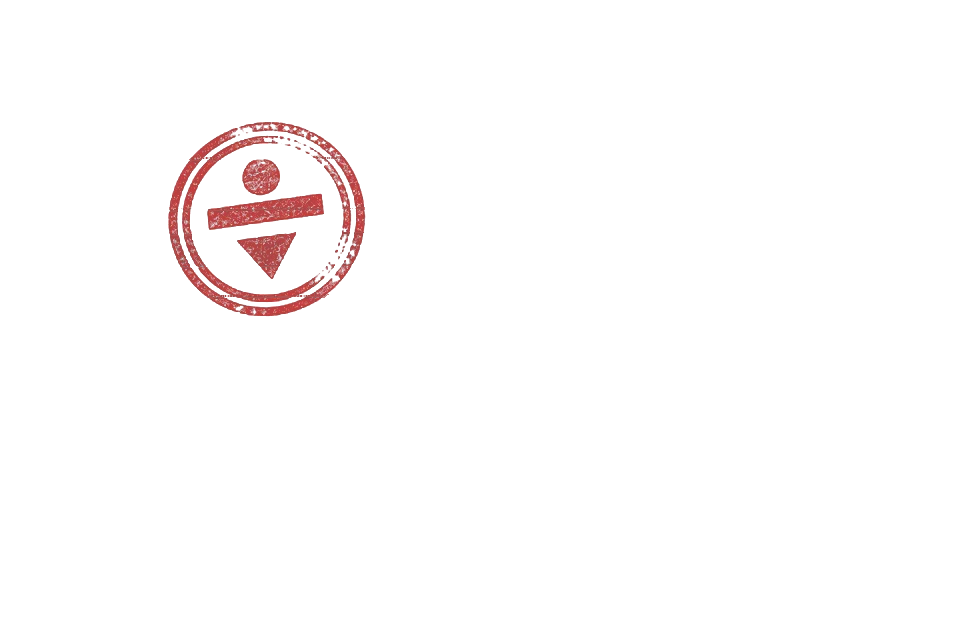
Stamp over table linesLocal color layer
Local analysis separates clean color layers first. For complex backgrounds, click the mark once and let SAM 2 create the mask.


STEP 1
Local analysis stays in this browser.
See local color separation handle stamps and printed marks, then SAM 2 isolate an object from a busy background.


The default path removes manual color setup. Advanced controls remain available when you want them.
Choose a JPG, PNG, or WebP up to 20 MB. Local analysis starts automatically.
Keep the local result, or choose AI point select and click the complete mark once.
Inspect the transparent preview, then save the extracted logo as a PNG.
The local layer automatically detects a strong logo color or a consistent edge background. It is the fastest route for printed marks, one-color seals, and clean product labels.
For folds, texture, shadows, or a busy product photo, choose AI point select and click inside the mark once. Manual color and tolerance controls remain available under Advanced local controls.
The tool is designed for visible marks you already have permission to reuse.
Pull your own mark from an old product photo when the original transparent file is missing.
Turn a logo on a plain label into a PNG that can be placed on an authorized design.
Separate an authorized red or blue impression from neutral paper with Keep one logo color.
Crop a clearly bounded mark locally, or deliberately enable AI point selection when the scene needs it.
Use responsibly: extracting a logo does not grant trademark or reuse rights. Do not use an extracted seal or signature to misrepresent approval, identity, or document authenticity.
What the browser tool does, what it cannot recover, and how your image is handled.
Upload a JPG, PNG, or WebP. Local analysis first tries color-layer or edge-background separation. For a busy scene, choose AI point select and click the logo once.
The first pass runs locally without AI. If you choose AI point select, the image is temporarily uploaded to fal.ai and segmented with SAM 2.
Colored marks on neutral paper and logos on consistent backgrounds are handled locally. Busy photos, texture, creases, and shadows can use AI point selection.
The Keep one logo color mode can isolate a single-color stamp from a light page. Only process marks you own or are authorized to use. An extracted seal must not be used to authenticate or falsify a document.
Local analysis stays in your browser. The image is uploaded for temporary processing only when you explicitly choose AI point select.